Tuvvy

DJ

A two-deck DJ console: load your own tracks, mix them with a crossfader, change tempo, shape the sound with a 3-band EQ, and add echo, loops and hot cues.
9:41▲ ◢ ▮
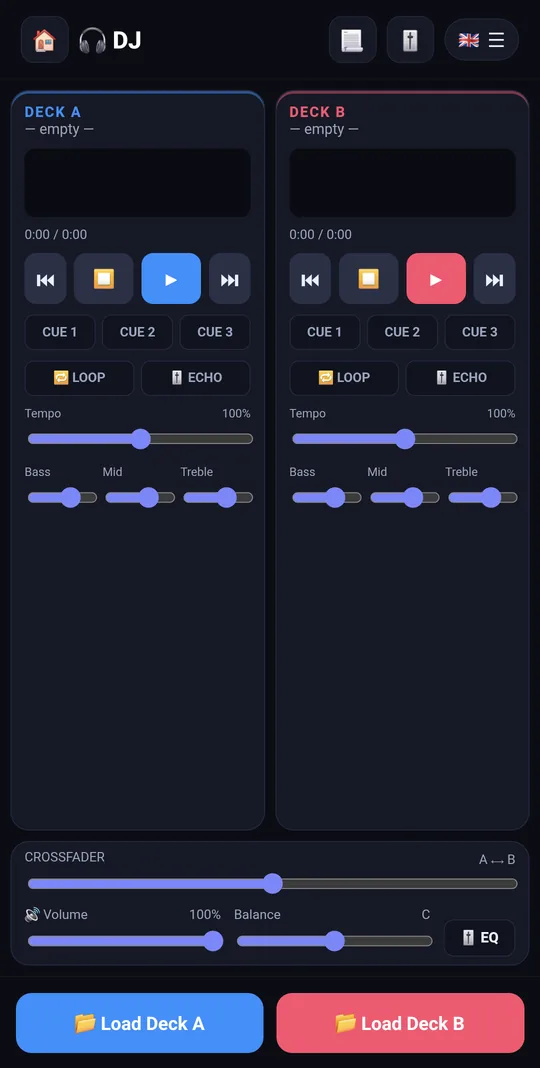
Two decks for your own music
9:41▲ ◢ ▮
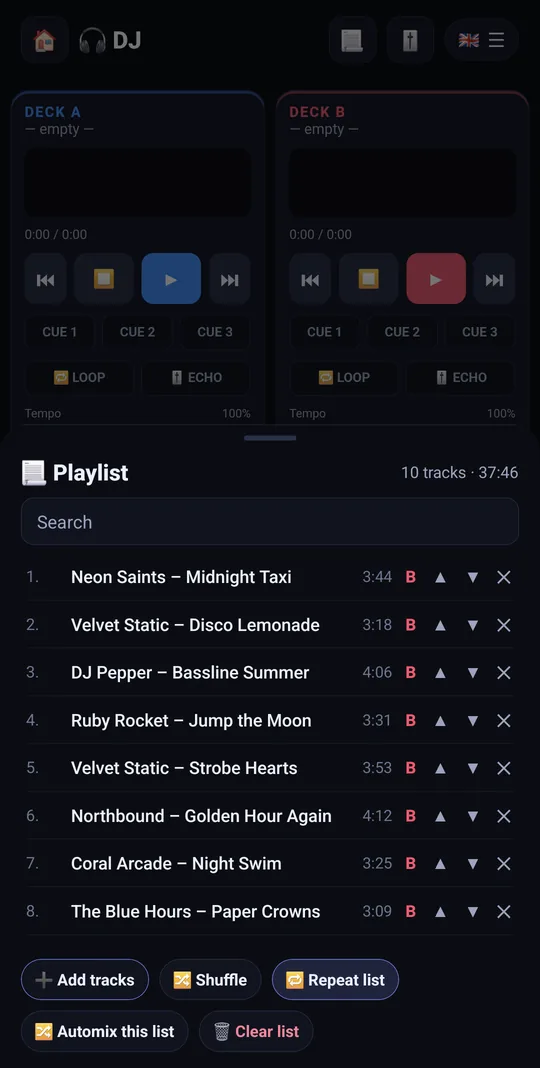
A playlist that survives a restart
9:41▲ ◢ ▮
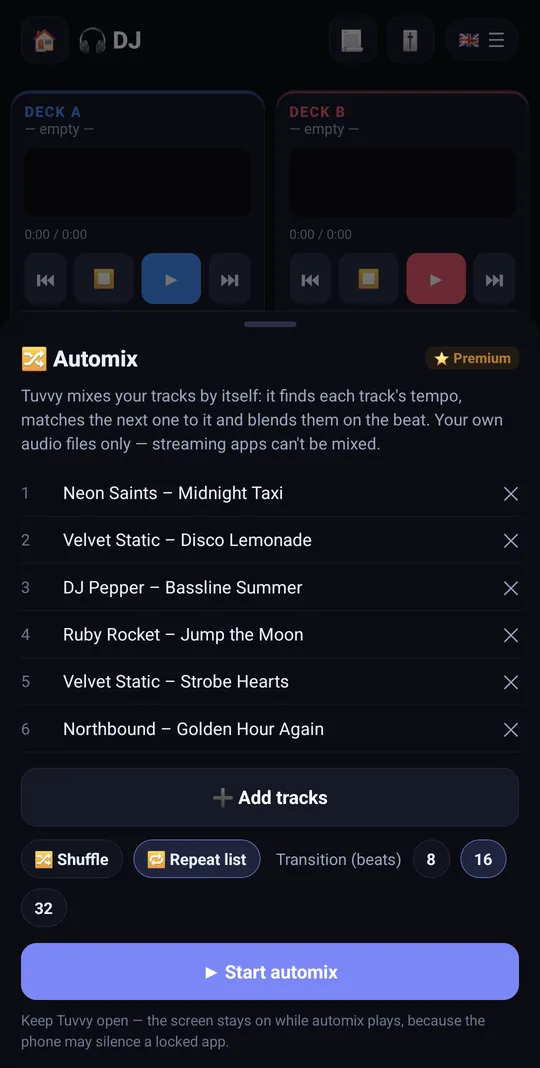
Automix blends the tracks on the beat
⭐ Automix blends the tracks on the beat
9:41▲ ◢ ▮
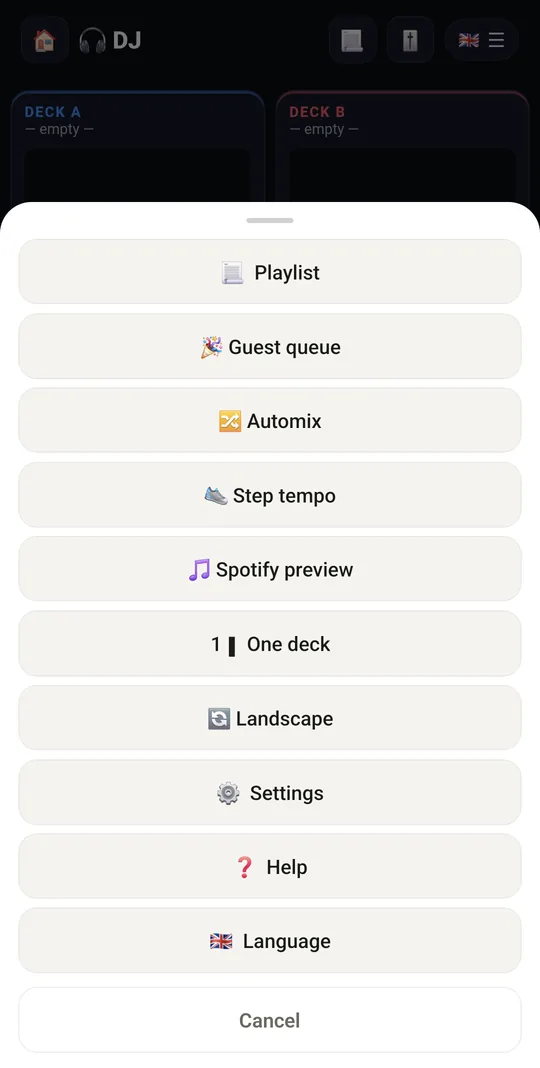
Guest queue, Spotify preview and more

Already in the app

26 functions, free in every Tuvvy.

Decks

  • Two decks A and B or single-deck mode (1▮ / 2▮▮ switch)
  • Load audio files from your phone (mp3, m4a etc.) onto each deck
  • Track name, position and length
  • Waveform with progress; tap the waveform to seek
  • Play/pause and back to start (⏹)
  • 3 CUE points per deck — first tap sets, next tap jumps
  • 🔁 LOOP (up to 4 s from the current position), marked on the waveform
  • ECHO effect
  • Tempo 50–150%
  • 3-band EQ: Bass, Mid, Treble
  • 🖼 Artist, title and cover art read from the mp3 tags (ID3) — shown on the deck instead of the file name

Mixing

  • A ⟷ B crossfader (smooth transition between decks)
  • 🎚 10-band master equalizer (60 Hz – 16 kHz) with a preamp, an on/off switch and presets (Rock, Pop, Dance, Classical, Jazz, Bass boost, Vocal…), plus volume and left/right balance — all kept on the phone

Display

  • Landscape by default, portrait/landscape switch
  • Dark DJ console theme
  • 📼 Retro look: a 90s-style desktop player with a green LCD clock, scrolling title, BPM on the display, spectrum bars and raised grey buttons — switch between Modern and Retro in ☰ → Settings
  • ✏️ Rename the module — call it Retro Amp, Tuvvy Amp, Mixtape, Boombox or anything you like; the new name shows on the Home tile, in search and in the header
  • ⏱ Tap the time to switch between elapsed and remaining time

Spotify

  • Spotify panel 🎵: shelf of ready-made playlists to mix
  • Add your own Spotify links (playlists, tracks)
  • Preview in the Spotify player (30 s clips, no login)
  • “Open in Spotify” — full playback in the Spotify app

Playlist

  • 📃 Saved playlist: your tracks stay in the list after a restart; tap a song to play it on deck A (B sends it to deck B), ⏮ / ⏭ on each deck and the next track starts by itself
  • 🔀 Shuffle, repeat the list or one track, search, ▲ ▼ to reorder, the total time, and “Automix this list” to turn it into the automix queue

Guest queue

  • 🎉 Guests vote for the next songs from a link on their phones — no app, no account: up to 3 votes each, the most-voted song from your playlist plays next (switchable), ▶ plays a wanted song right away; join by QR code or a link sent to a Talk chat
  • 🍹 Party mode shows your drinks from Drinks (the party list, or what your bar can make) with their ingredients; guests tap “🙋 I’d like one” and you see who asked, then ✓ Served

With Tuvvy Premium Premium

Extras that tie this module to the rest of your Tuvvy.

⭐ Premium

Automix

your own tracks mixed by themselves — the tempo of each track is found on the phone, the next track is matched to it (up to ±8 %, also half / double tempo) and starts on the beat

⭐ Premium

Queue of your audio files with shuffle and repeat, an 8, 16 or 32-beat equal-power transition, a “now playing” bar and the screen kept on for a long party

⭐ Premium

👟 Step tempo

the playing track follows your cadence — the phone’s motion sensor counts steps, pedal turns (phone in a trouser pocket) or workout reps and the beat is matched to them (BPM = steps/min, also half / double tempo, up to ±20 %); during an Activity run or ride the source is picked by itself, or 🎯 hold a target cadence to train it

Coming next

Ideas we are working on or considering — tell us which one you want first.

Idea

Record your mix

Save your set to a file and share it with friends.

Idea

One-tap sync

Tuvvy detects the BPM of both decks and matches their tempo with one tap.

Idea

Sample pads

Pads with sirens, shouts and your own recordings to drop into the mix.

Idea · Premium

Split into stems

Your phone splits a track into vocals, drums, bass and the rest, so you can play one song's vocals over another beat.

Idea

Intervals with music

During an interval workout in Training, the music speeds up for the hard parts and slows down for rest.