
Tuvvy

Ebook Reader

Read TXT, MD and EPUB files locally on your phone with live progress stats and 10 reading themes.
9:41▲ ◢ ▮
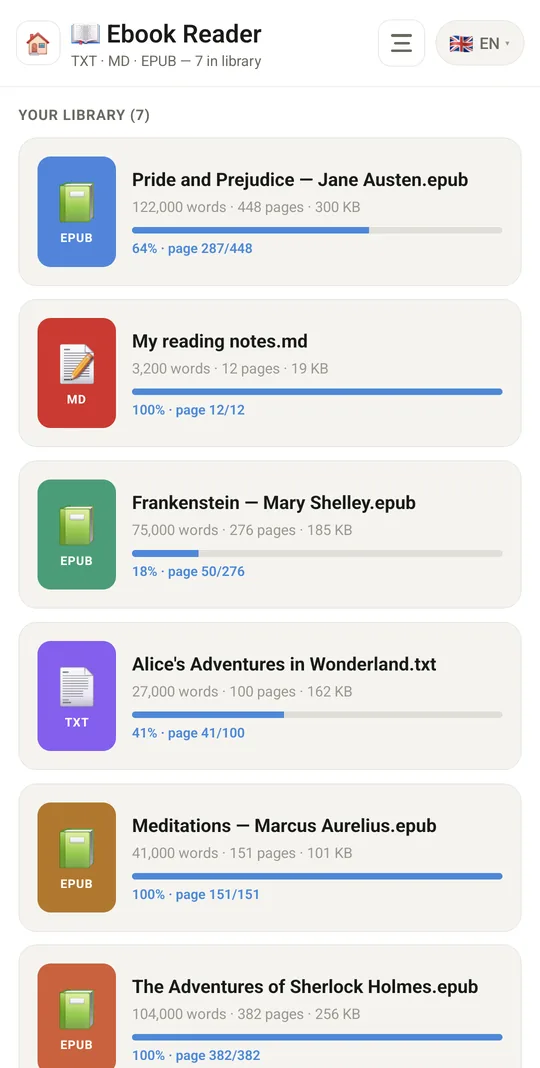
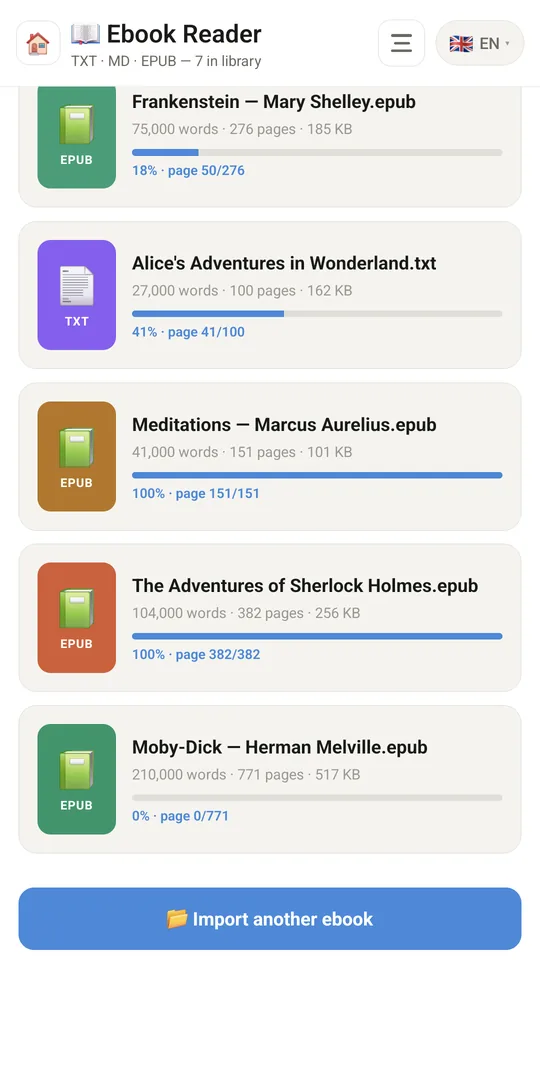
Your library, with progress
9:41▲ ◢ ▮
TXT, Markdown and EPUB

Already in the app

17 functions, free in every Tuvvy.

Library

  • Import e-books from the phone: EPUB, TXT, MD
  • Book list sorted by last read
  • Book card: format, word and page count, file size, progress bar, page X/Y
  • Coloured cover with format icon
  • Delete a book with a long press (with confirmation)
  • Opens automatically after import

Reader

  • Scrolling book text
  • Chapter table of contents for EPUB with jump to chapter
  • Live stats: pages, words, sentences, letters (read / total)
  • Reading progress bar
  • Position saved automatically every 5 s and on close, resume where you left off

Reading settings

  • 10 themes: Light, Sepia, Dark, Solarized Light, Solarized Dark, AMOLED, Poland, Germany, Ukraine, Japan
  • Font size 14–24 px
  • Line spacing 1.4–2.0×
  • Live settings preview

Integrations

  • Connection with Media Tracker — open a book from an item card (📖)
  • Words from your books: long-press a paragraph, pick a foreign word and it becomes a flashcard in Education (with the sentence from the book); a paragraph can go to Journal as a quote

With Tuvvy Premium Premium

Extras that tie this module to the rest of your Tuvvy.

⭐ Premium

Book club without spoilers

read with friends from Talk, see where everyone is in the book, and comments pinned to paragraphs — shown only up to the place you have read yourself; progress also in Media Tracker

Coming next

Ideas we are working on or considering — tell us which one you want first.

Idea

Read aloud

The phone reads your book aloud, with a sleep timer that stops it.

Idea

Tap for a definition

Tap a word to see its definition and translation.

Idea · Premium

Story so far

After a long break you get a short recap up to where you stopped, with no spoilers.

Idea

PDFs with highlights

Read PDFs and send your highlights to Journal or ToDo Pro.

Idea

Same page on every device

Read on your phone and carry on from the same spot on your tablet.