Tuvvy
←
💣
Minesweeper
Logic · flags · fastest time
▶ Play now
Get Tuvvy
‹
›
How to play
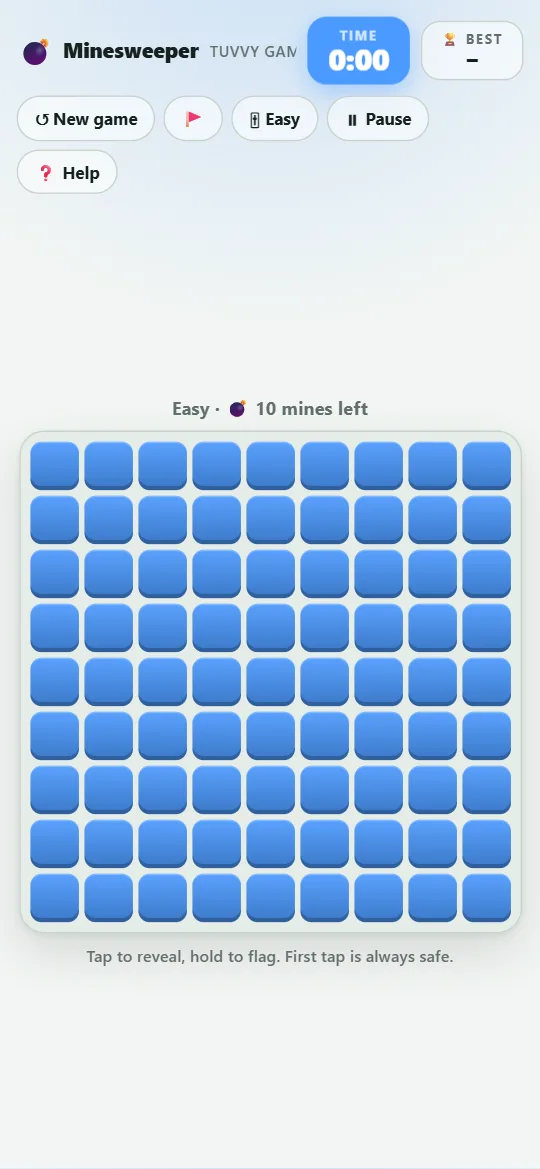
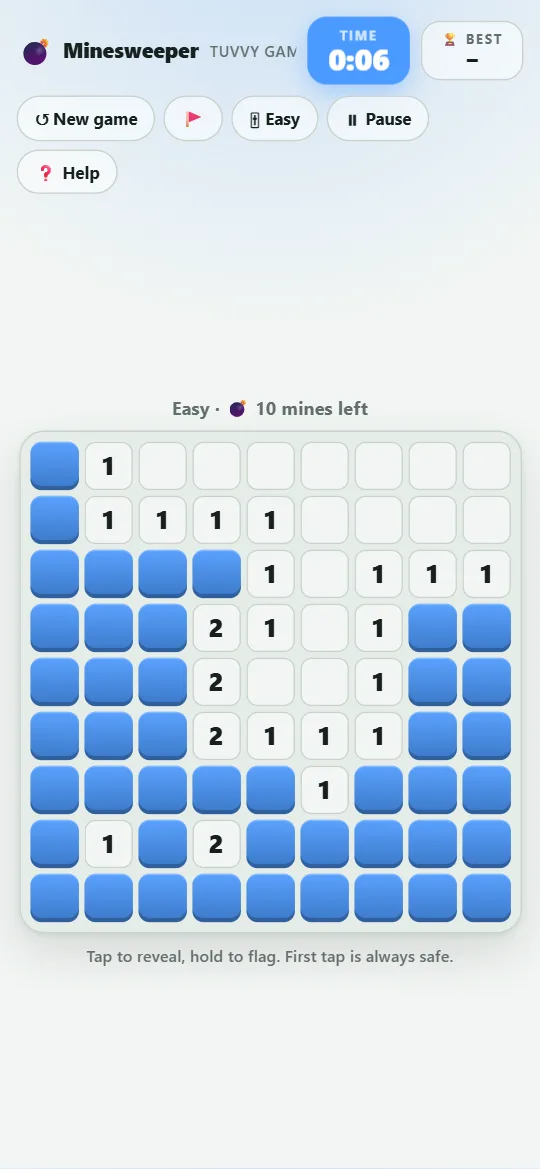
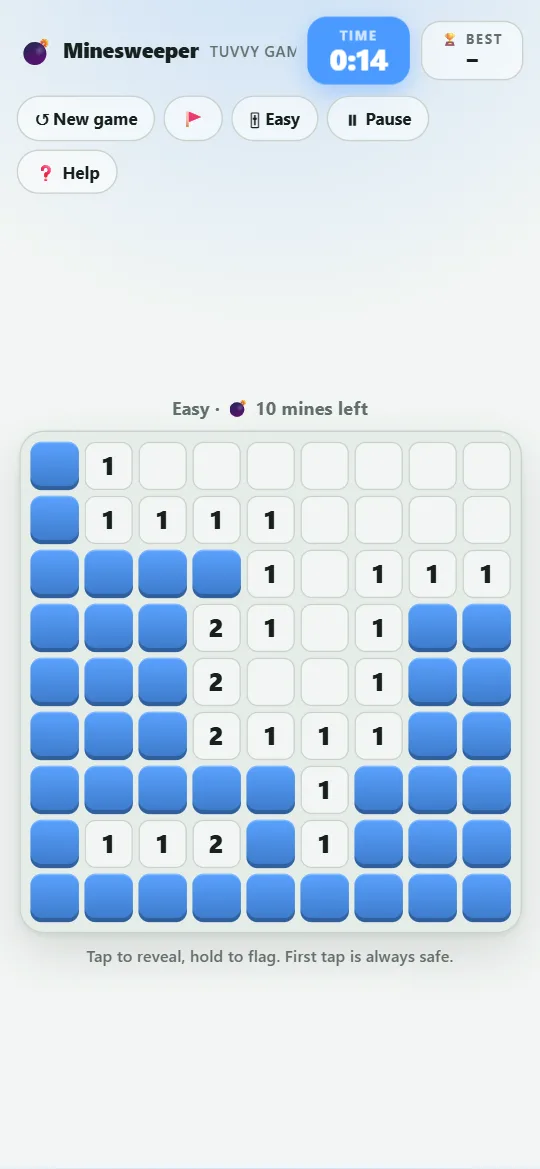
Tap a square to reveal it. A number shows how many mines touch that square (including diagonals).
Hold a square (or right-click) to put a flag on a suspected mine. With 🚩 mode on, a tap places flags instead.
Reveal every square without a mine to win. Revealing a mine ends the game.
Your score is the time — the faster, the better. The first tap is always safe.
🎚 switches between Easy (9×9, 10 mines), Medium (12×12, 24) and Hard (14×14, 40).
💡 Tips
If a number already touches that many flags, all its other neighbours are safe.
If a number has exactly as many hidden neighbours as its value, they are all mines.
You don’t have to flag every mine to win — flag only what helps you think.
When stuck, reveal far from the numbers: open areas are less likely to hide mines.
 Tuvvy