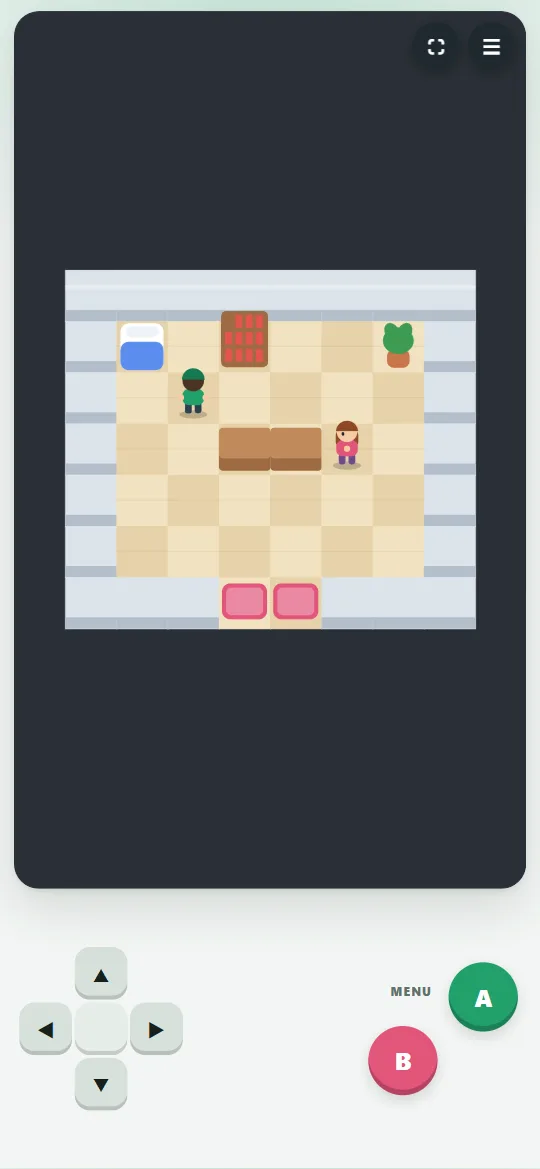
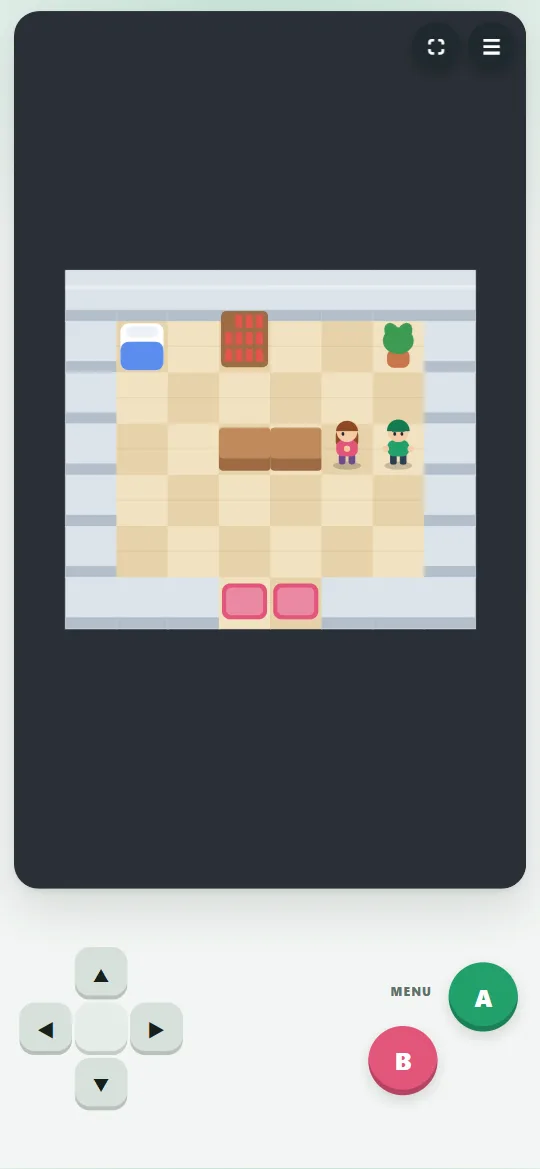
Walk with the D-pad (or arrows / WASD). A (Enter / Space) talks and confirms, B (Esc) opens the menu and goes back.
Visit Professor Lumi in the lab to get your first Tuvvymon.
Wild Tuvvymon hide in tall grass. In battle choose Fight, Bag, Team or Run.
Throw a Tuvvy jar from the Bag to catch a wild Tuvvymon. Three wobbles and a click — it’s yours!
Winning gives XP: Tuvvymon level up, learn new moves and some of them evolve.
The healer in the Tuvvy Center (or your mom at home) heals your team. The game saves by itself.
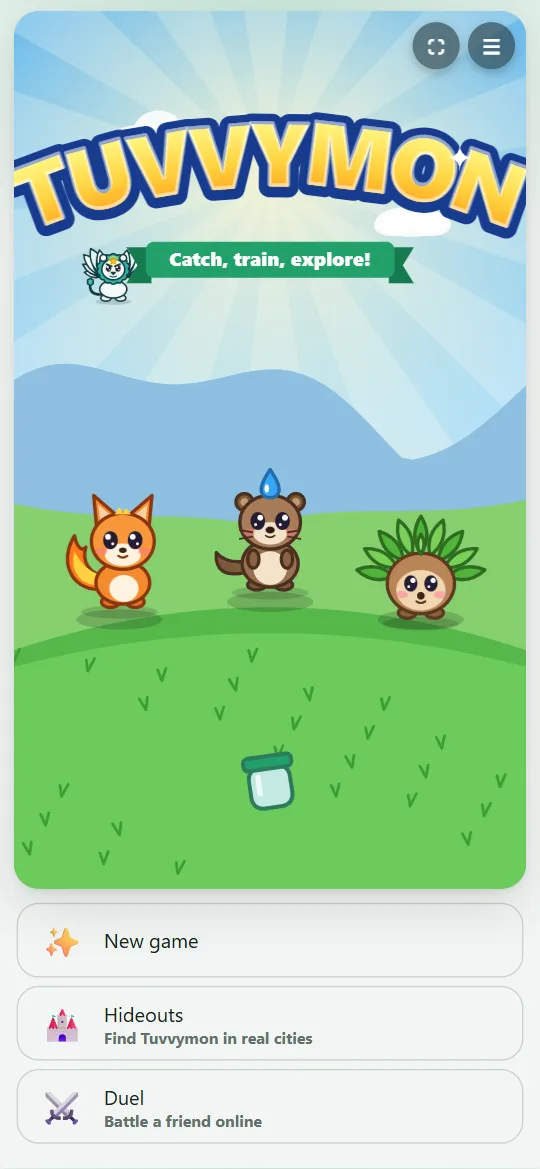
Hideouts (in the menu or on the title screen): pick a city — Vienna (21 hideouts), Tarnów (17) or Prague (17) — and find real hideouts there. The 🏙️ button switches the city. At a hideout tap “I’m here!”, solve the riddle or type a code from an adult — you get a stamp in your passport, a fun fact and a battle with a golden Tuvvymon.
Through the Forest Edge, the Deep Forest and Route 2 you reach Stoneford. Beat Gym Leader Petra there to win the Rock Badge (shown in Team).
Every Tuvvymon that fought shares the XP. A Tuvvymon knows up to 4 moves: to learn a new one, pick a move to forget — or skip it.
Your team holds 6 Tuvvymon. The PC in a Tuvvy Center opens the Box, where you swap Tuvvymon between team and Box.
Duel (title screen or menu, in the Tuvvy app): invite a friend or your family to a battle between two phones. Up to 3 Tuvvymon, all at level 50, no items. The duel can wait all day — you get a notification when it’s your move. Wins count in the Games ranking.
Trainer card (Duel → 🃏, works without internet and in the browser): pick up to 3 Tuvvymon and get a short code. A friend types your code under “Battle a friend’s card” and fights your team, which the computer plays.
Trade (Duel → 🔄 Invite to a trade, in the Tuvvy app): each of you offers one Tuvvymon and both tap Agree — the creatures swap places between the two phones. Golden Tuvvymon from city hideouts can be traded too.
Raid (Duel → 👑, in the Tuvvy app): 2 to 4 trainers fight the golden Tuvvyon together, each with one Tuvvymon at level 50. Rock, Electric and Ice hit it hard. Every third turn it hits the whole team — the turn before, it warns you. A win gives 2 Star Jars and 500 coins.
Full screen: tap ⛶ in the corner of the game — the game fills the whole screen; ☰ next to it has New game, Pause and Help, 🗗 goes back. Turn the screen sideways (🔄 in the corner or in the app) and the D-pad moves to the left, A and B to the right.
Trade evolution: Wisplet, Clawpi, Zapeel and Yetling evolve the moment they arrive by trade, at any level (✨ in the trade list). Without a trade they still evolve at their usual level.
My class (Hideouts → 🏫): type the class code and every hideout you find counts for the whole class. When the class reaches its goal, everyone gets a golden Tuvvyon. No names — the server only sees the class total.
💡 Tips
Types matter: Fire beats Plant and Ice, Water beats Fire and Rock, Plant beats Water and Rock, Electric beats Water and Air.
Weaken a wild Tuvvymon (red HP bar) or put it to sleep before you throw a jar.
Trainers spot you from a few tiles away. Heal up before you walk past them.
A Great Jar catches better than a normal one. Jars and potions are sold in the Tuvvy Center.
Put a weaker Tuvvymon first in Team so it gets XP too.
Look for hideouts together with an adult and watch the road. Your position never leaves the device. After 15 hideouts in a city the golden Tuvvyon appears there (Vienna: Wienerberg, Tarnów: St Martin’s Hill).
Petra’s Rock Tuvvymon fear Water and Plant moves. Fire partner? Catch a Sporex or a Crawlo in the Deep Forest.
In the gym, walk into a boulder to push it onto a button. Stuck? The guide at the door puts the boulders back.
On the Hideouts map the 📍 button in the corner centres the map on you. If the phone has not asked for location yet, or blocked it, the 📡 sheet (also under 👨👩👧) lets you allow it, turn GPS on or open the settings.
 Tuvvy