Tuvvy

Tuvvy Home

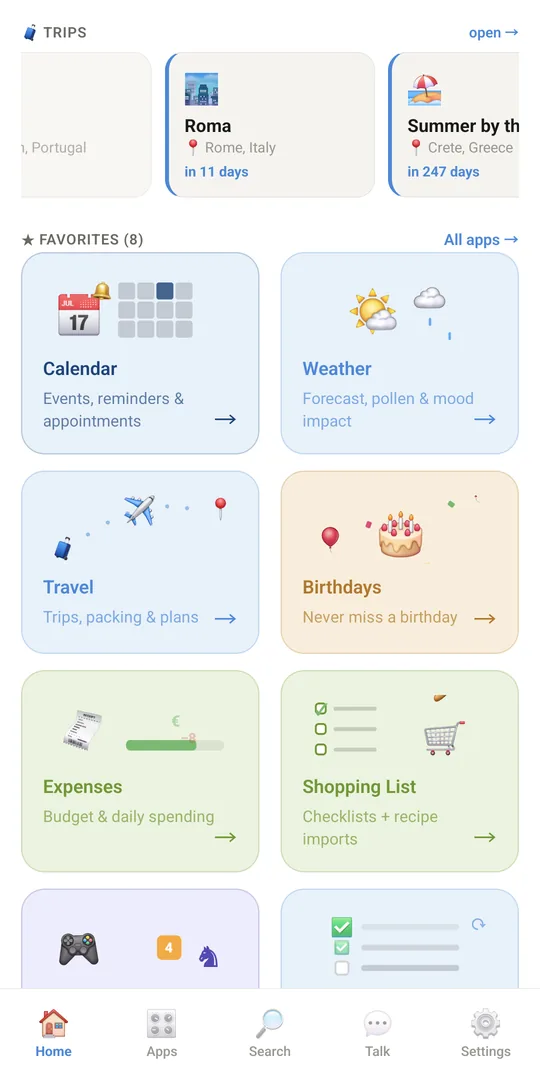
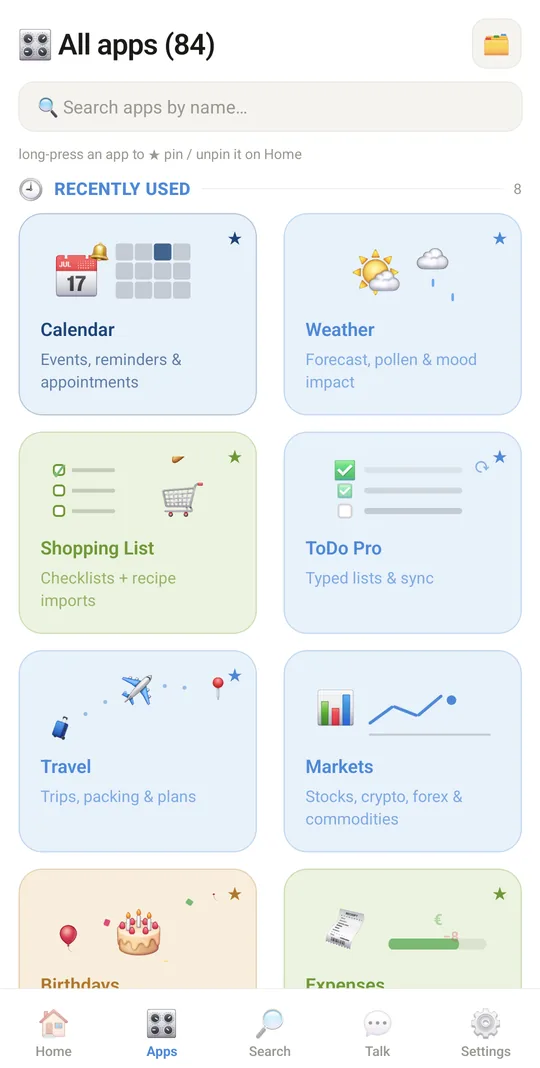
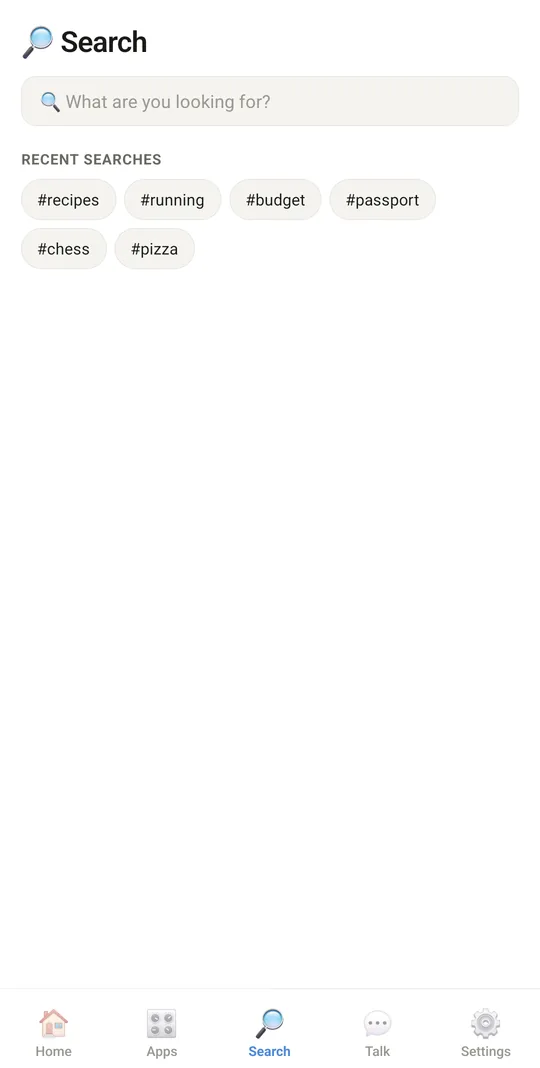
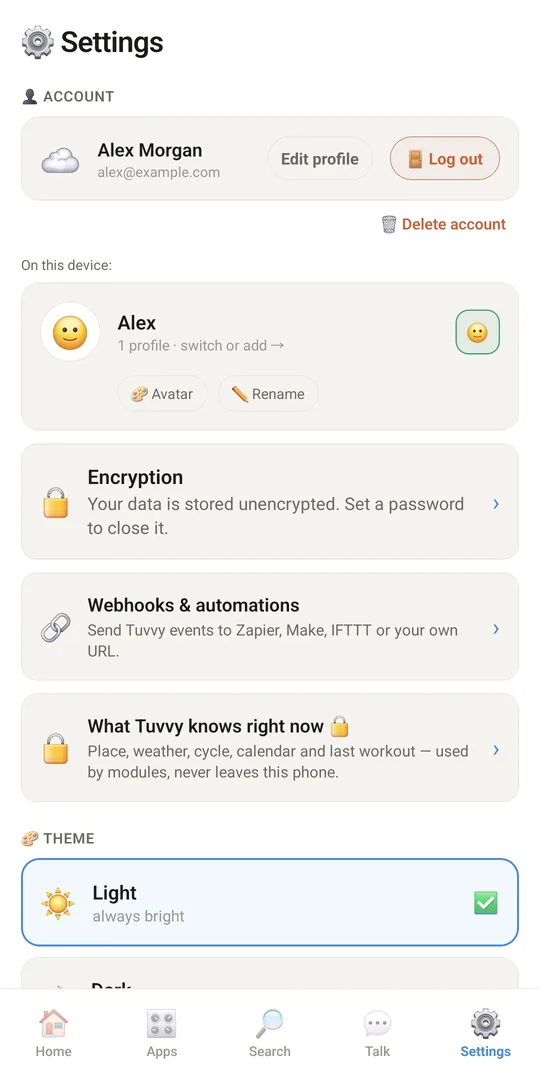
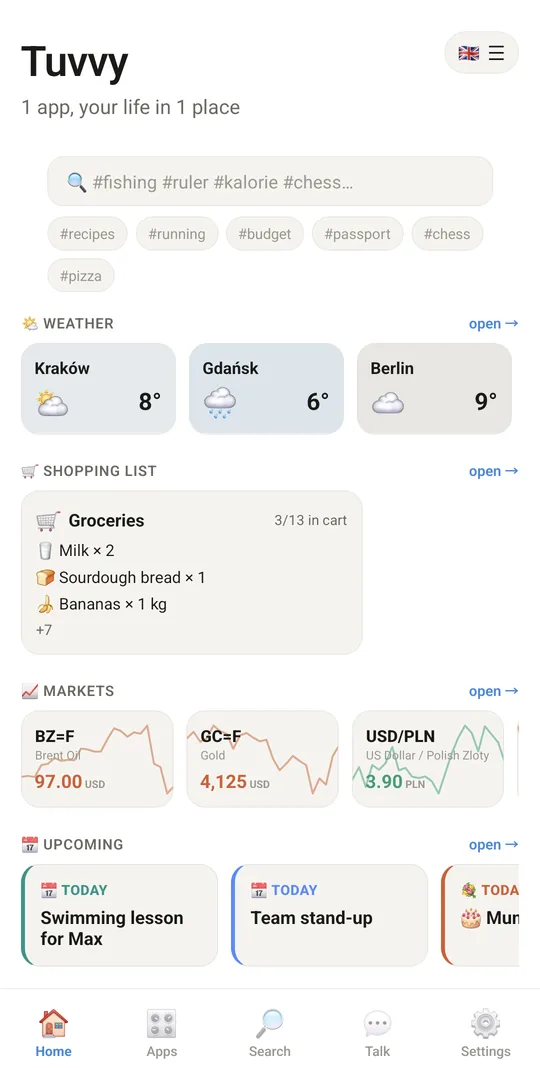
The Tuvvy start screen: favorite modules, search, the apps list and settings for the whole app.
9:41▲ ◢ ▮
Search, weather and your widgets on Home
9:41▲ ◢ ▮
Today's agenda, trips and your favourite apps
9:41▲ ◢ ▮
Every app, grouped by topic
9:41▲ ◢ ▮
Search apps, games and your own data
9:41▲ ◢ ▮
Your account and profiles in Settings

Already in the app

14 functions, free in every Tuvvy.

Settings

  • 🧩 Visible modules: a switch for every module (Settings → 🧩 MODULES) — a switched-off module disappears from Home, Apps and Search, its data is kept, “Show all” brings every module back
  • 🔐 Backup with a password: Settings → BACKUP & RESTORE → ↗ Export, tick 🔐 Encrypt with a password and type it twice — the backup takes every module, and the .tuvvybackup file opens on any phone with the same password
  • 📂 Files in the backup: the ZIP also takes e-books, Photo Editor gallery, DJ tracks, signed PDFs, Talk media and call recordings — unchecked modules stay out
  • 💡 A hint for the backup password: it shows when you import the file, never the password itself
  • 🔍 See what each module puts into the backup — data, records, photos and files with their sizes — before you export it
  • 📷 One photo quality for the whole app: new photos in modules and photos in the backup export get smaller, the originals in documents stay
  • ☁️ See when this phone last synced with Tuvvy Cloud and what is still waiting, and sync right away
  • 🎮 Games in the bottom bar: a switch in Settings → Interface puts Games one tap away from every Home tab, next to Search and Talk
  • Rate the app in Google Play from Settings; now and then, after a few good moments in modules, Google Play asks for a rating by itself, never in the middle of a task
  • Tuvvy Apps in Settings with a counter: the number of all Tuvvy apps and how many are available now and how many are coming soon, also on the Tuvvy Apps screen
  • Set up Home on Home: hold an empty spot to add an app or a widget, like the live cat, or to switch widgets and shortcuts on and off
  • 📲 Widgets for your phone’s home screen (Android): four shortcuts you pick, Today with events and lists due, Weather hour by hour from the saved forecast, and your shopping list; add them from Settings → Interface → Phone widgets
  • Apps tab in four views: categories with cards, bento with small tiles and pinned apps as wide tiles, a list by category you can fold (remembered), and one alphabetical grid
  • ⚙️ Home settings from flag + ☰ on Home: switch between the Classic and Today layouts and set the order of the widgets in one sheet

With Tuvvy Premium Premium

Extras that tie this module to the rest of your Tuvvy.

⭐ Premium

Change your login email

replace a made-up test address with your real one and keep the same account with all your data

⭐ Premium

🌐 Backup to more clouds

OneDrive (Office 365), Dropbox or any WebDAV cloud — Nextcloud, MagentaCLOUD, GMX, WEB.DE, HiDrive, pCloud, Koofr or your own NAS. Encrypted on the phone before upload; Google Drive stays free