Tuvvy

Photo Editor

Resize, compress, crop, and rotate photos — all local. No cloud upload, no watermarks.
9:41▲ ◢ ▮
Resize, compress, crop and rotate on your phone
9:41▲ ◢ ▮
Collages and postcards
9:41▲ ◢ ▮
Your own Tuvvy gallery

Already in the app

26 functions, free in every Tuvvy.

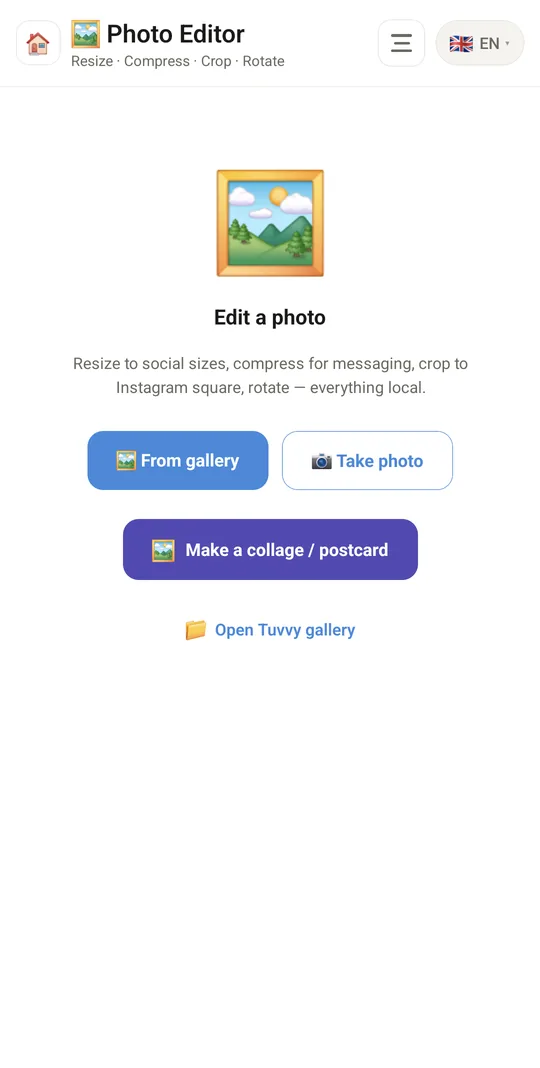
Photo editing

  • Photo from the gallery, camera or Tuvvy gallery
  • Info: dimensions, file size, format
  • Resize: 4K, 2K, 1920, 1080, 720, 480 (long edge, aspect ratio kept)
  • JPEG compression: 100%, 90%, 80%, 60%, 40%, 20%
  • Crop to aspect ratio: free, 1:1, 4:3, 3:4, 16:9, 9:16
  • Rotate 90° right and left
  • Flip horizontally and vertically
  • Undo ↶ and Reset all
  • Everything local, no cloud

Save and share

  • Save to the phone gallery
  • Share…
  • Keep in the Tuvvy gallery
  • Discard and pick another photo

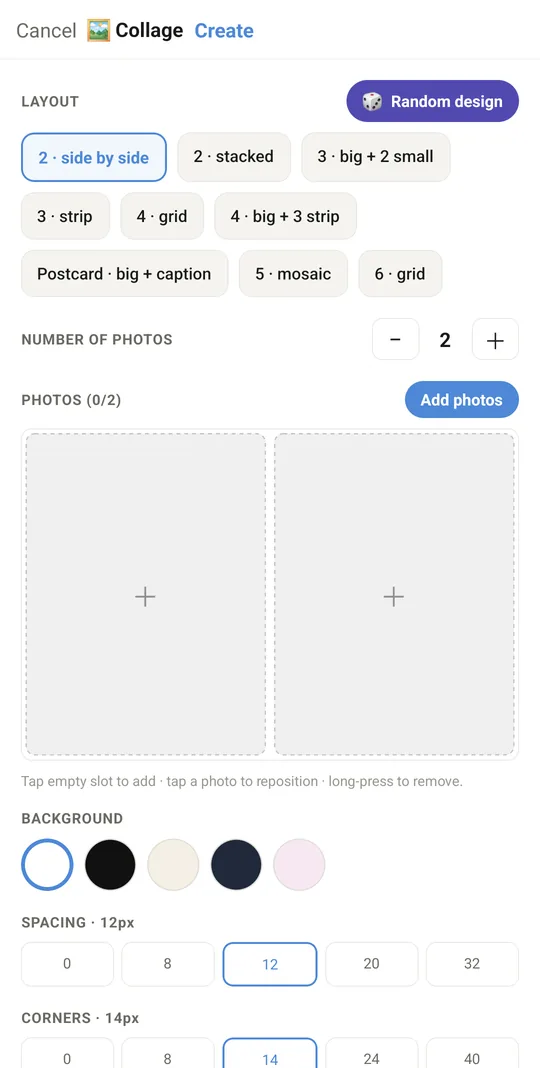
Collage / postcard

  • Layouts: 2 side by side, 2 stacked, 3 (large + 2 small), 3 strip, 4 grid, 4 (large + 3), postcard with caption, 5 mosaic, 6 grid
  • Random layout design 🎲
  • Add photos to cells, remove with a long press
  • Frame a photo in its cell: move, zoom, tilt, reset, swap photo
  • Background: white, black, cream, navy, pink
  • Spacing and corner rounding (px)
  • Flip the layout top/bottom and left/right
  • Date stamp with date and place, GPS location 📍
  • Postcard caption
  • The finished collage opens in the editor to save or share

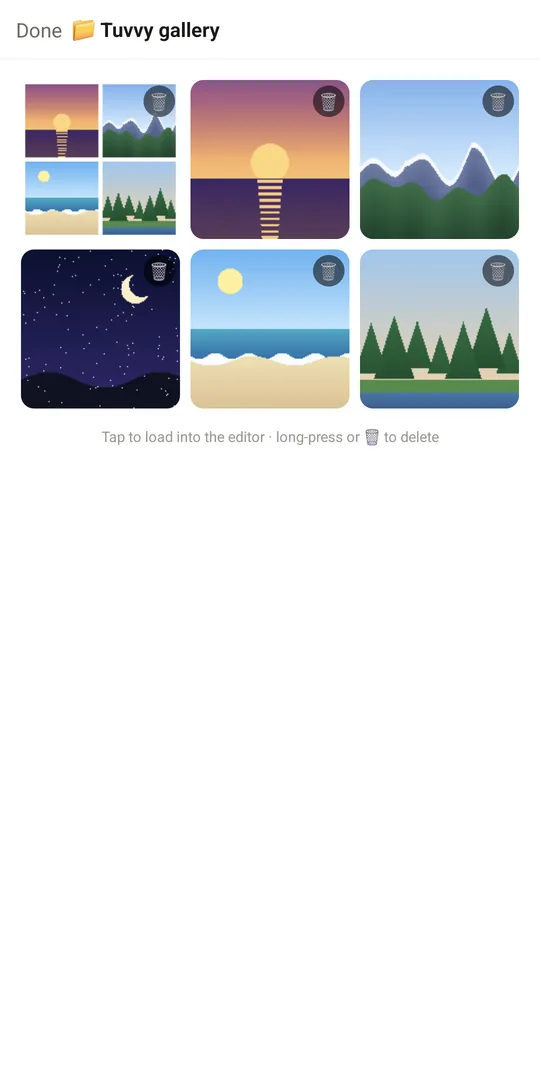
Tuvvy gallery

  • List of saved images
  • Load an image into the editor
  • Delete (🗑 or long press, with confirmation)

Coming next

Ideas we are working on or considering — tell us which one you want first.

Idea · Premium

Privacy before sharing

Blur faces and number plates and remove location data before you post a photo.

Idea

Remove background

Cut out the background on your phone, great for listings and profile pictures.

Idea

Auto enhance

Fix brightness, contrast and a tilted horizon with one tap.

Idea

Batch editing

Apply the same size and compression to many photos at once.

Idea · Premium

Annotations

Add arrows, text, frames and blur to screenshots, to show someone exactly where to tap.