
Tuvvy

DokSign

Sign a PDF on your phone: draw your signature, initials or stamp once, place them on any page, add your name, date and place, and save a signed copy ready to share.
9:41▲ ◢ ▮
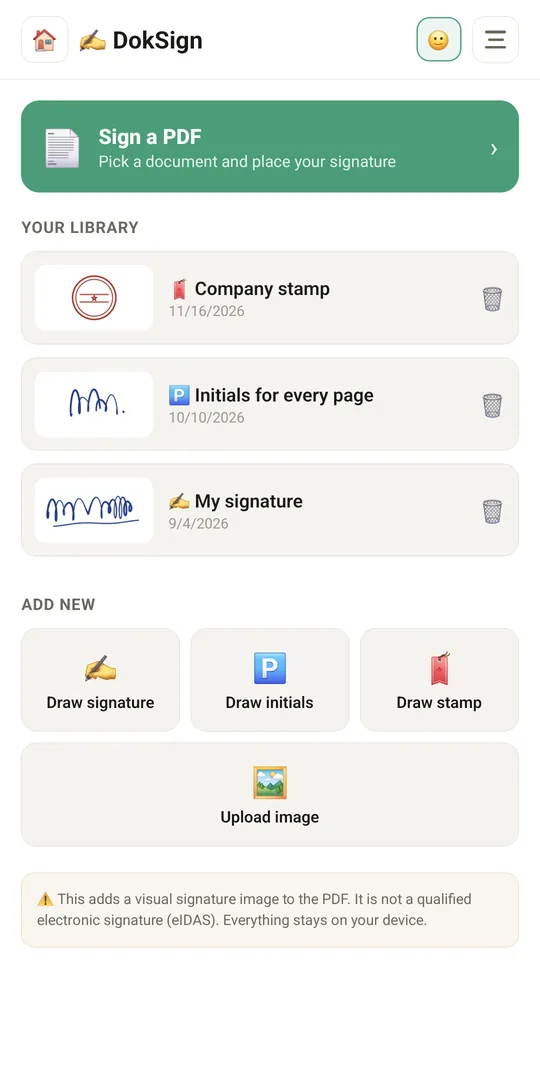
Your signatures, initials and stamps
9:41▲ ◢ ▮
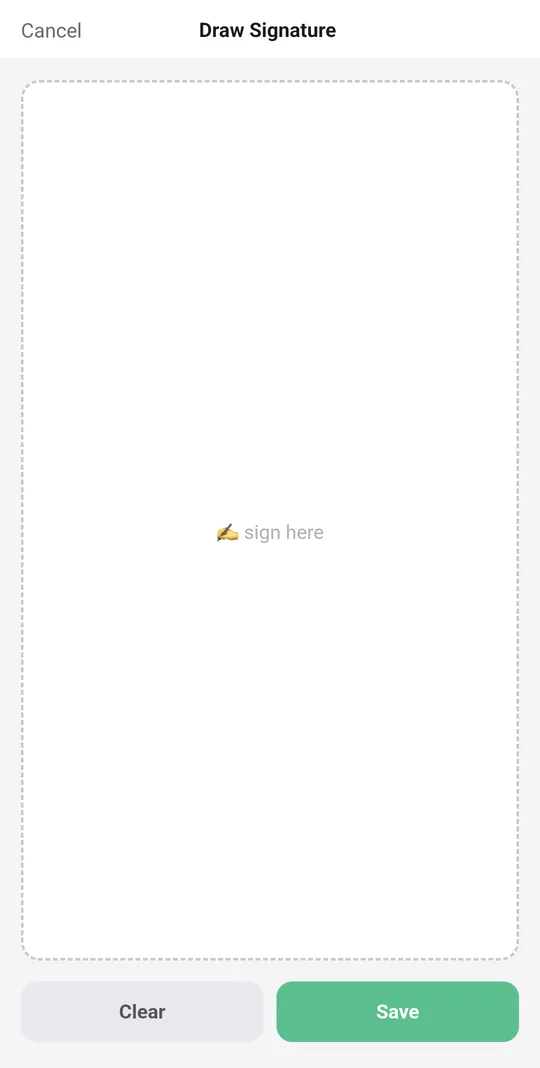
Draw a signature with your finger

Already in the app

19 functions, free in every Tuvvy.

Signature library

  • Draw with your finger: signature, stamp, initials
  • Clear and save a drawing
  • Upload a signature/stamp image from the gallery
  • Remove signatures from the library
  • Separate library for each Tuvvy profile

Signing a PDF

  • Load a PDF from the phone
  • Browse all pages of the document
  • Pick a signature from the tray and place it on the page
  • Move, resize and delete placed items
  • Signatures on any number of pages
  • Initials on all pages with one button
  • Text fields: full name, date, place, custom text
  • Date + place stamp
  • “Signed in DokSign” footer

Export

  • Save a flattened PDF as “…-signed.pdf”
  • Save on the device (files/gallery) or in the app
  • Share the signed PDF
  • The document never leaves the phone
  • Visual signature — not a qualified eIDAS signature

With Tuvvy Premium Premium

Extras that tie this module to the rest of your Tuvvy.

⭐ Premium

Several people sign in order

set the order once, and after each signature Tuvvy offers to send the PDF to the next person. The order and a history with SHA-256 checksums travel inside the PDF; the last signature adds a history page

⭐ Premium

Commitments from a signed contract

DokSign reads the notice period, end date and amount from the PDF text; after a check you save them to Renewals (with reminders, also shown in Calendar), Company documents or a family document vault

Coming next

Ideas we are working on or considering — tell us which one you want first.

Idea

Scan paper to PDF

Take a photo of a paper page and get a straightened PDF, ready to sign.

Idea

Fill in PDF forms

Type into the text fields and tick the boxes of any PDF form.

Idea · Premium

What changed in the contract

Load two versions of a contract and every changed sentence is highlighted before you sign.

Idea

QR check code

A QR code on the signed PDF lets anyone check that the document has not been changed.

Idea

Signed documents archive

Find anything you have signed by name, person or date.