Tuvvy

Education

Structured learning for children and adults: pick a subject and level, set a practice plan, and work through lessons 1–100. The first 10 lessons are free.
9:41▲ ◢ ▮
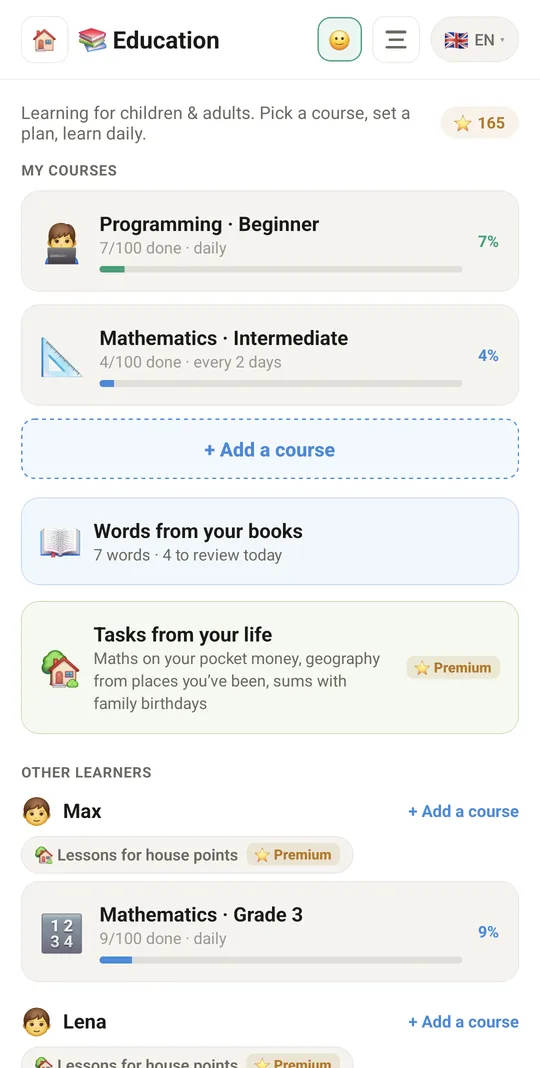
Your courses and your progress
9:41▲ ◢ ▮
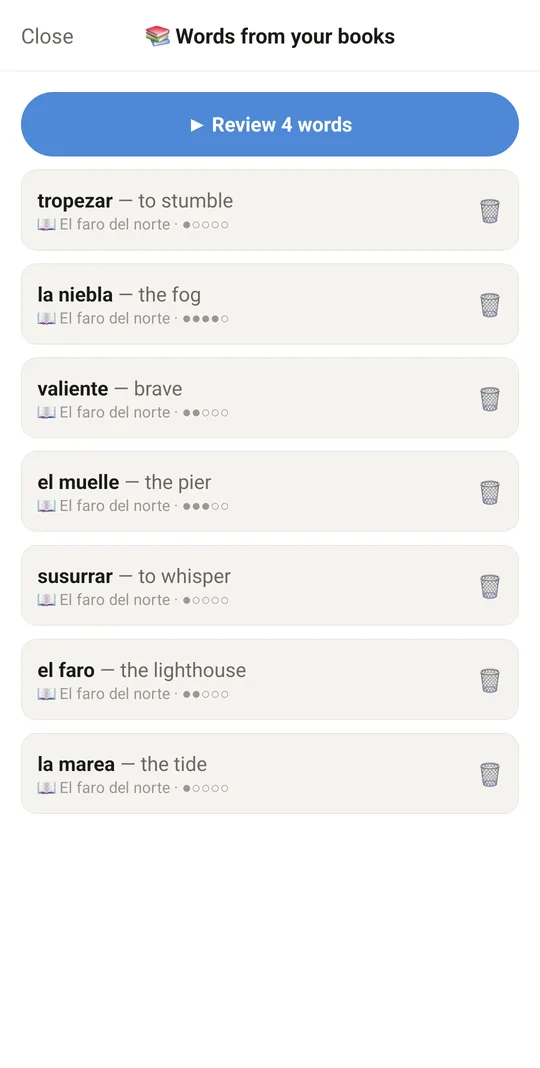
Flashcards from words in your books
9:41▲ ◢ ▮
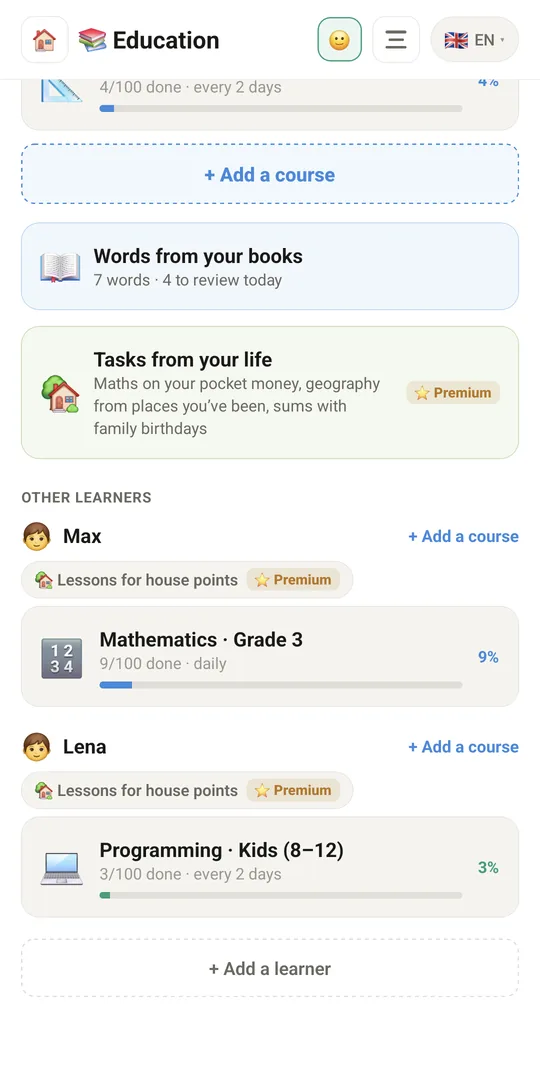
Children learn with their own courses
9:41▲ ◢ ▮
Lessons 1–100 at your own pace
9:41▲ ◢ ▮
A short lesson with a task

Already in the app

35 functions, free in every Tuvvy.

Learners

  • Learner list with course progress in % (progress bar)
  • Add a learner: name, type (child / adult)
  • Age / grade for a child or a level note for an adult
  • Choose the course subject and level / grade
  • Practice plan: daily or every 2 days
  • Delete a learner together with their progress (with confirmation)
  • Separate learning data for each Tuvvy account
  • 📚 My courses at the top: open Education and pick a course right away, no learner to set up
  • Several courses for one learner: “+ Add a course” next to their name; learners are optional
  • The same course is never added twice — the one you already have opens

Courses

  • Math for kids: grades 1–6
  • Math for adults: beginner, intermediate, advanced
  • Coding for kids (8–12) and teens (13–17)
  • Coding for adults: three levels
  • Turkish: three levels
  • Built-in courses work offline
  • Extra courses downloaded from the Tuvvy online catalog
  • Each course has up to 100 lessons

Language learning

  • “Language” tile – pick from a list of all the world's languages
  • Language search
  • Languages with ready lessons marked (with lesson count) and “lessons coming soon”
  • Download a language pack to the phone
  • Packs saved on the phone – learn without internet
  • Automatic pack update when a new version is out
  • Lesson descriptions in the app's interface language
  • Lessons with a phrase table: phrase, pronunciation, meaning

Lessons

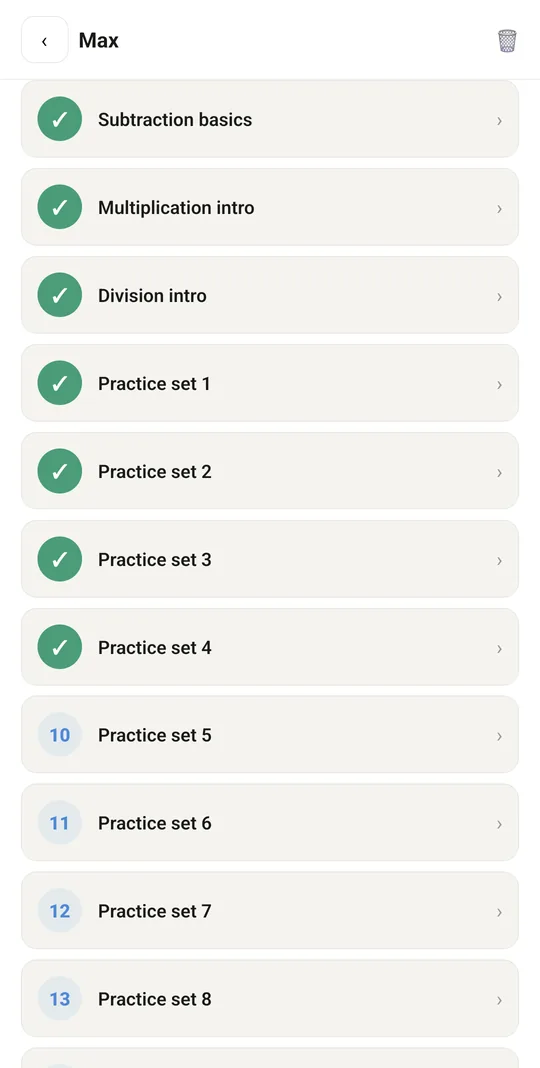
  • Lesson list with number, title and completed marks
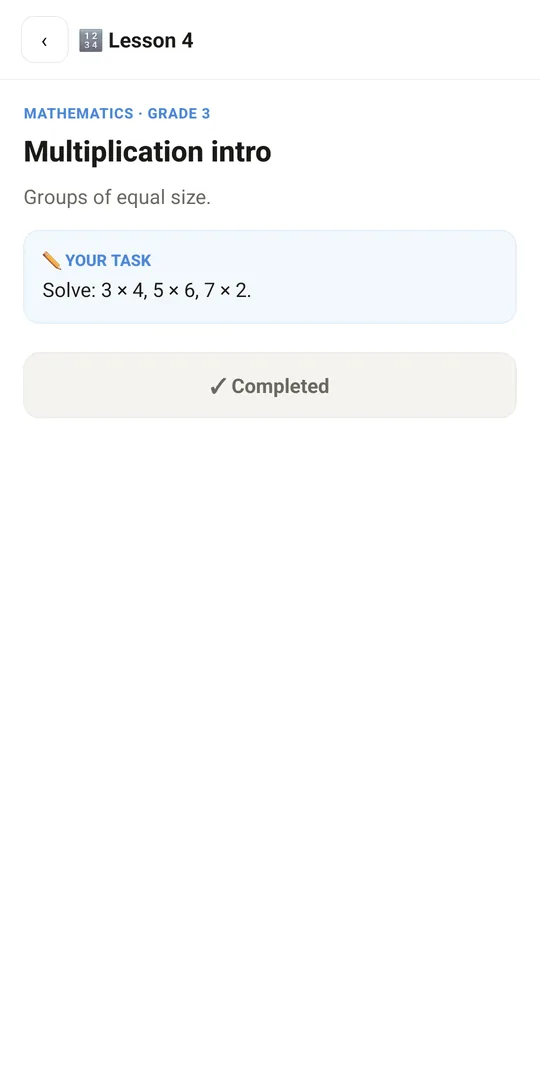
  • Lesson screen: title, intro, content, task to do (“Your task”)
  • Mark a lesson as completed (saves the last study date)
  • Summary: completed / total lessons and practice plan

Unlock the full course (premium)

  • Lessons 1–10 free, lessons 11–100 locked (premium)
  • Tuvvy points balance shown on the module's home screen
  • Unlock a course for 50 points (recorded in points history)
  • Unlock with a voucher code (e.g. EDU-…)
  • Bank transfer and crypto payment – marked “coming soon”

With Tuvvy Premium Premium

Extras that tie this module to the rest of your Tuvvy.

⭐ Premium

Tasks from your life

maths on the child’s real pocket money and savings goals, geography from countries your family has been to, and sums with family birthdays — four answers, one right

⭐ Premium

Learning for house points

link a child learner to a child in Family, and every finished lesson gives them chore points and pocket money

Coming next

Ideas we are working on or considering — tell us which one you want first.

Idea · Premium

Homework from a photo

Your child photographs a task and gets step-by-step hints instead of the answer; you see where they struggled.

Idea · Premium

Plan for a test

Enter the date of a test and get lessons and reviews spread over every day until then.

Idea

Weekly report for parents

Every week: time spent learning, progress and the topics that need more practice.

Idea

Family leaderboard

A friendly weekly ranking between siblings and the rest of the family.