Tuvvy

Scan Barcode

Scan QR codes and barcodes with your camera. Every scan is saved forever in searchable history — no cloud, all local.
9:41▲ ◢ ▮
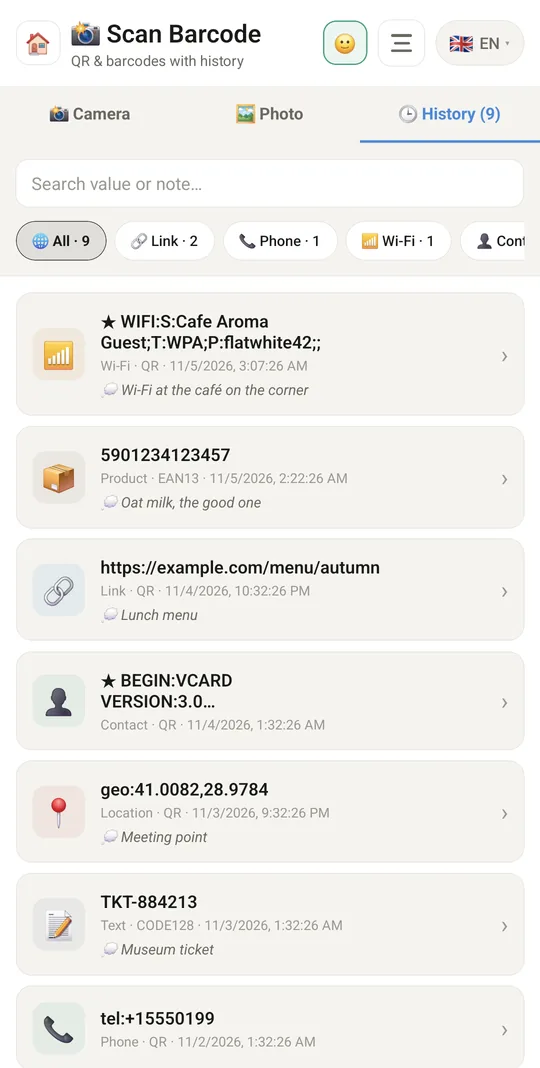
Every scan kept in your history
9:41▲ ◢ ▮
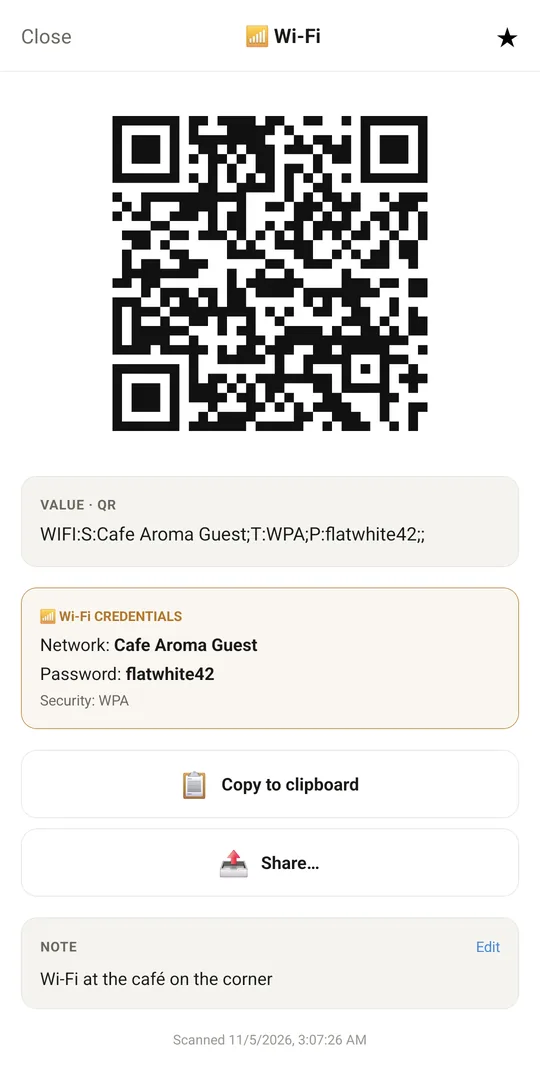
Wi-Fi from a QR code, ready to share
9:41▲ ◢ ▮
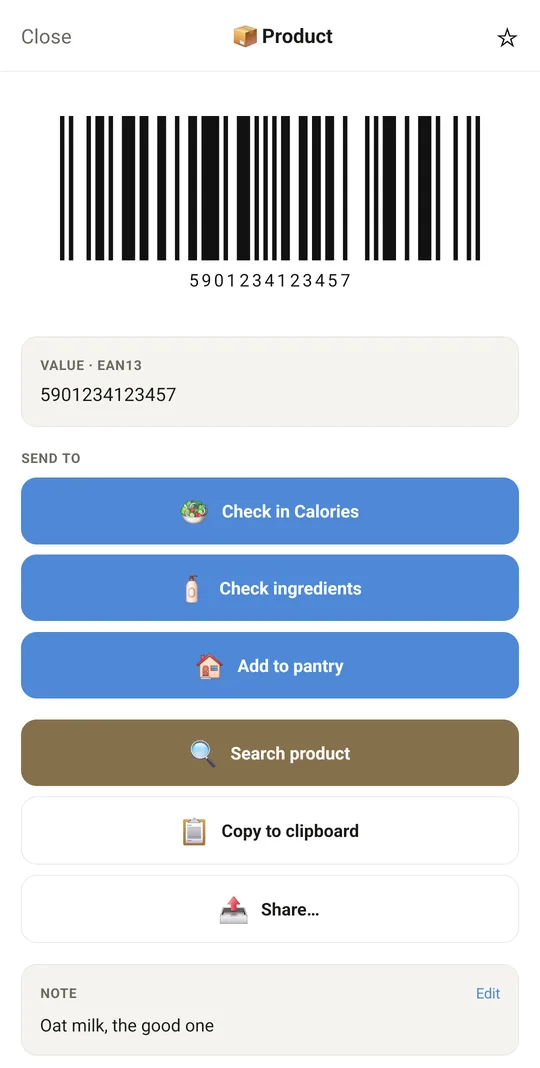
Send a product to the right module
9:41▲ ◢ ▮
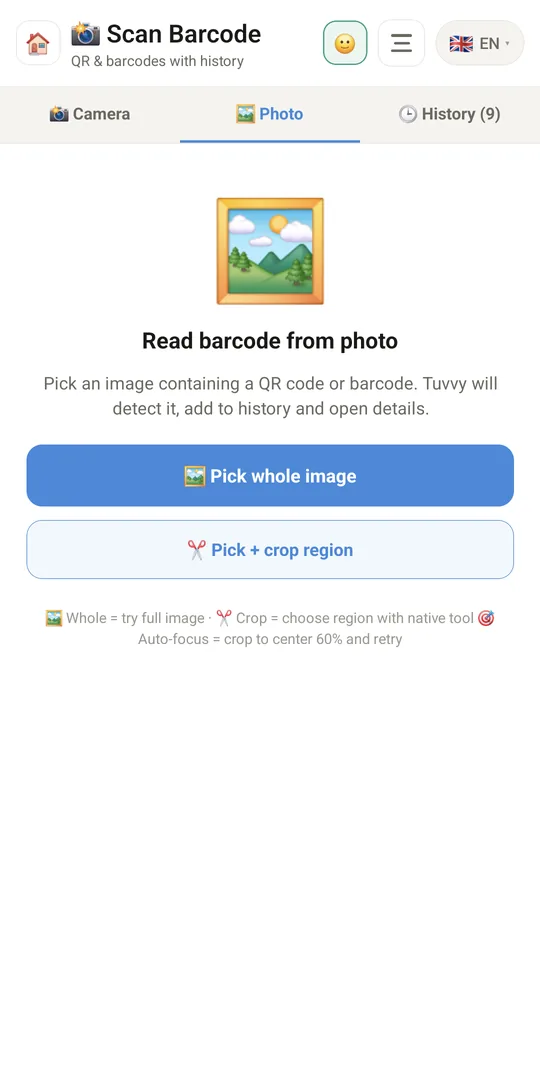
Read a code from a photo

Already in the app

30 functions, free in every Tuvvy.

Scanning

  • Scan QR codes and barcodes with the camera
  • Flashlight while scanning
  • Vibration on read, duplicates within 3 s skipped
  • Save a photo of the scan moment
  • Read codes from a gallery photo (several codes at once too)
  • Select and crop part of a photo, or auto-focus on the central 60%

Recognition and actions

  • Automatic category: link, phone, email, Wi-Fi, contact, location, product, text
  • Open link in the browser
  • Call the number
  • Write an email
  • Open location on the map
  • Search the product online
  • Wi-Fi network details: name, password, security
  • Copy to clipboard
  • Share as text, as a code image or as the scan photo
  • Recreate the scanned code as an image (QR or barcode) offline

History

  • Scan history with a counter
  • Search by value or note
  • Filter by category
  • Note on a scan (add and edit)
  • Scan date and time
  • Delete a single scan and clear the whole history
  • Separate data for each account in the family

Sending to modules

  • “Send to” buttons under a scanned code
  • Boarding pass (IATA code) → a filled-in flight in Flight Log (route, date, flight number, seat)
  • Book barcode (ISBN-13 or ISBN-10) → new book in Media Tracker, title and author looked up automatically
  • Transfer QR code (SEPA EPC and the Polish ZBP standard) → expense with the amount and description
  • Product barcode → check in Calories
  • Product barcode → ingredient check in Ingredient Check
  • Product barcode → add to the Pantry

Coming next

Ideas we are working on or considering — tell us which one you want first.

Idea

QR code maker

Create QR codes for your Wi-Fi, a contact card, a link or an event.

Idea

Warranty from a scan

Scan a product and snap the receipt; the warranty end date lands in Renewals.

Idea

Document scanner

Scan several pages into one PDF, ready to share or sign.

Idea

Scan in a row

Scan many codes one after another, handy for taking stock of your things.

Idea · Premium

NFC stickers

Tap your phone on a small NFC sticker to tick off a habit or open a module.