 Tuvvy
What you get for free
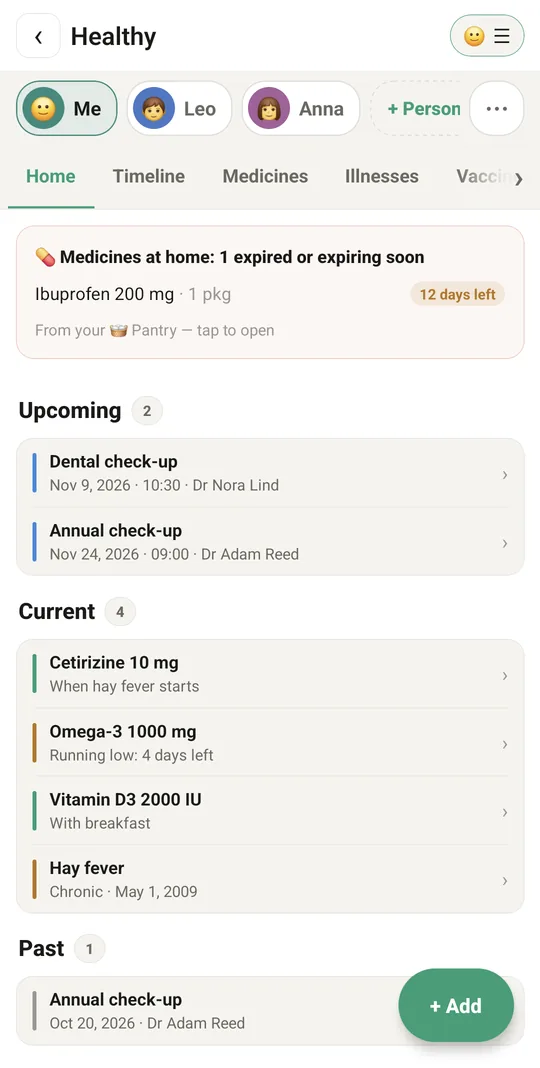
One profile per person: you, your mum, your dad, the children.
Dose reminders
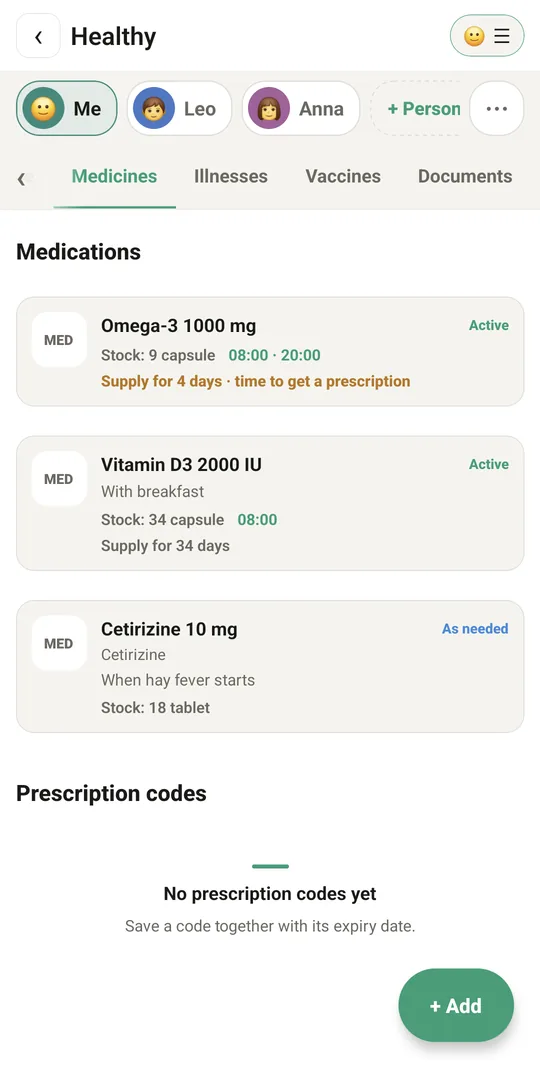
Each dose at its own time. Taken or Skip right in the reminder, and the pack count goes down by itself.
Never run out
Pick 3 to 14 days before the pack ends. The end date is worked out from the stock, the dose and times a day.
Show to doctor
A read-only summary of the profile to hand over at the visit, also as a PDF with 90 days of measurements.
Warnings about doubles
When two medicines contain the same substance, or one matches an allergy on the profile.
Blood pressure and sugar
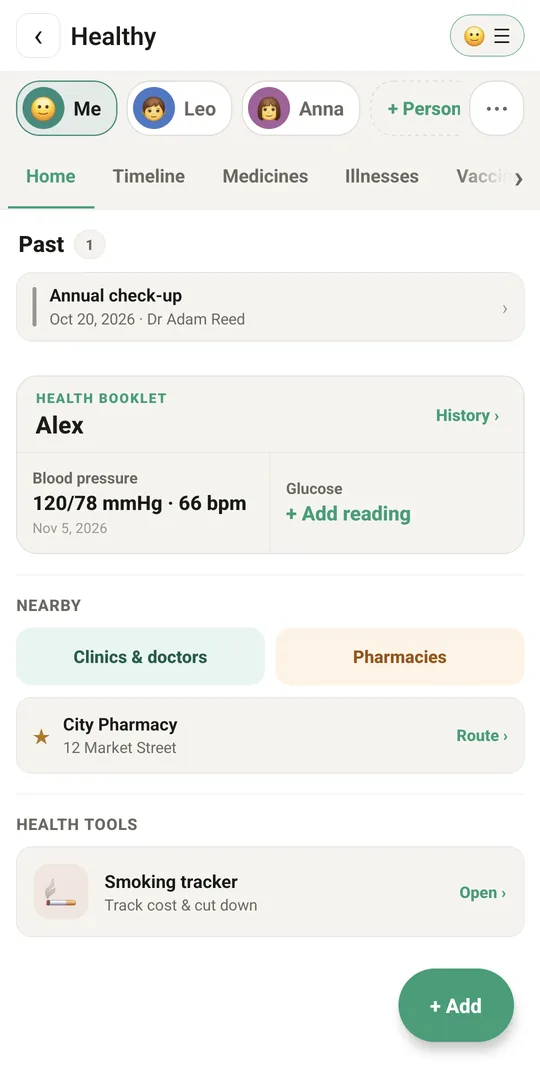
Readings with their trend, plus weight, temperature, saturation, heart rate and INR.
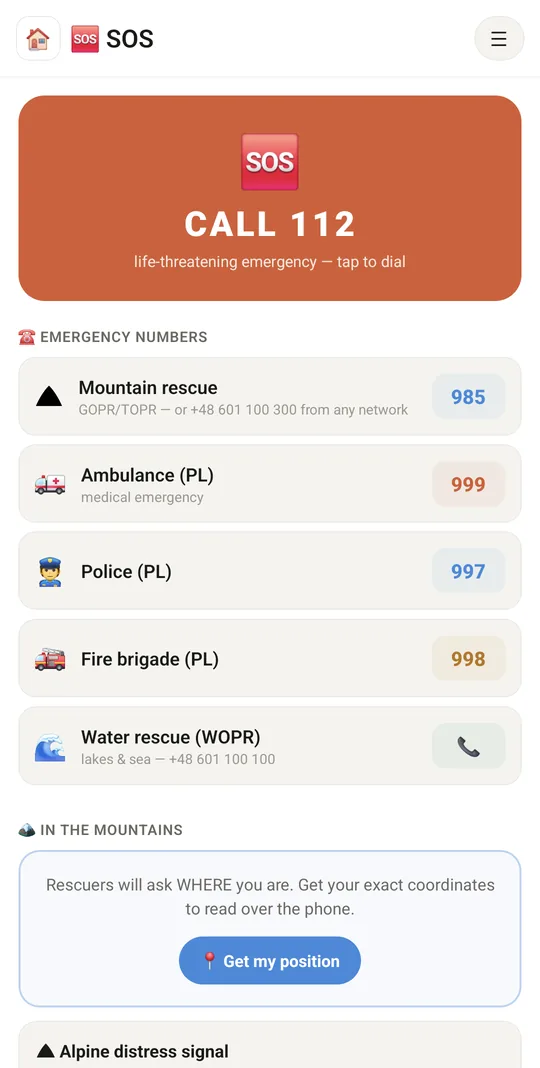
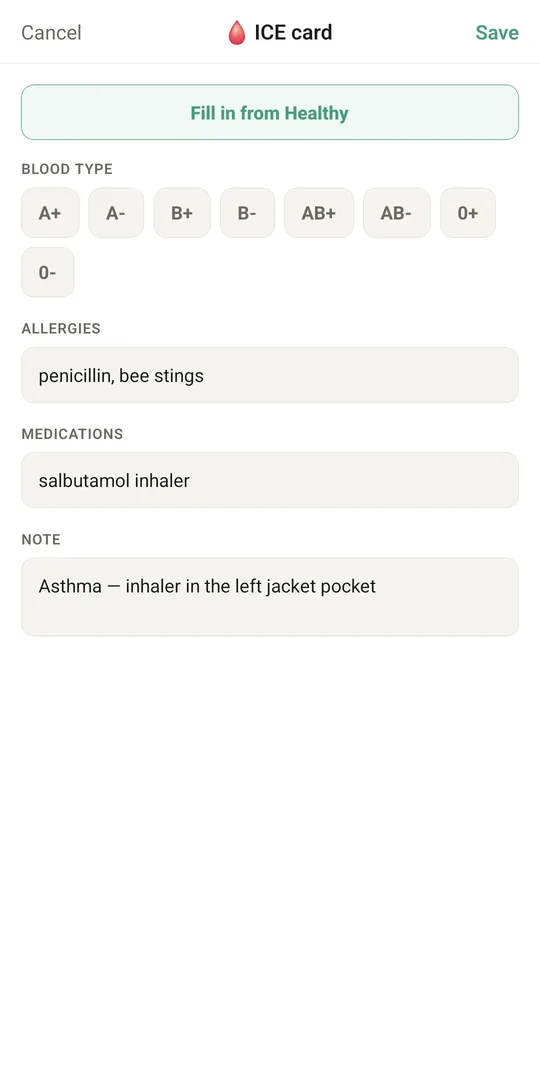
Emergency card and SOS
Blood type, allergies and medicines in big print with a QR code. One tap calls 112 or sends your location to the family.
Hospital mode
When someone lands in hospital, one sheet tells your people where, shares the medicine list and makes a packing list.
Private by default
Reminders on the lock screen do not name the medicine. Encryption and a fingerprint lock if you want them.
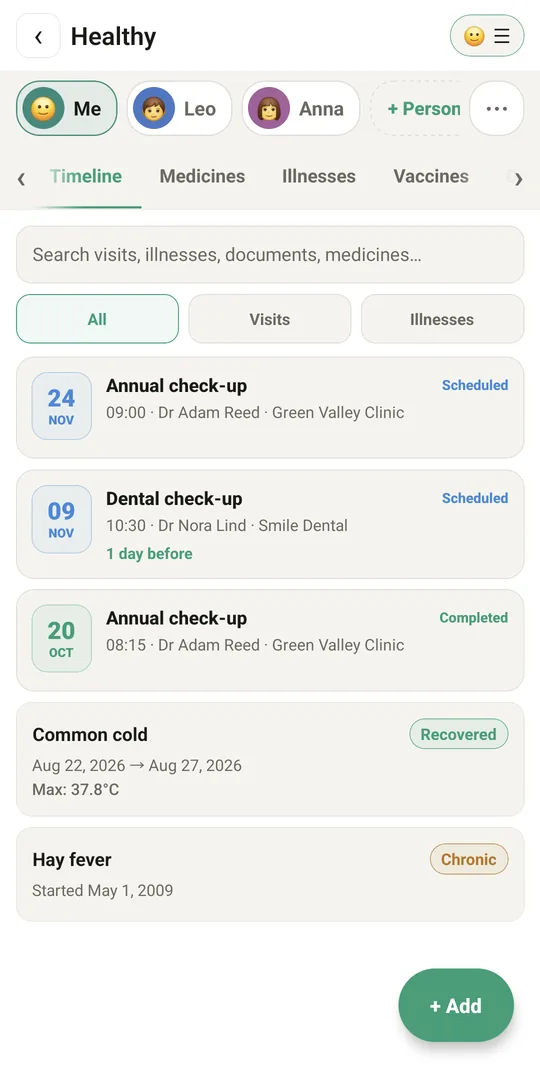
How it looks
Set it up in one visit
- Add a profileInstall Tuvvy on your parent's phone and add a profile for them.
- Add the medicinesSearch the register, set the times, the dose and the stock left.
- Fill the emergency cardBlood type, allergies and an ICE contact: it takes two minutes and matters later.
When you cannot be there ⭐ Premium
Extras in Tuvvy Premium that keep the family in the loop.
Senior care ⭐ Premium
A dose not confirmed in time? The family gets a sign, and the phone shows the reminder again from the server, even if Android held the alarm back.
Back by ⭐ Premium
Going out alone? Set when you will be back. No "I'm back safe" in time, and your people get an alarm with the last position.
Tuvvy is a reminder and a notebook, not a medical device and not medical advice. Doses and changes of treatment are always up to the doctor.
Questions
Is it free?
Yes. Reminders, profiles, the doctor summary, the emergency card and SOS are free and without ads. Tuvvy Premium adds Senior care and Back by.
Where is the data?
On the phone. You can turn on encryption and lock Healthy with a fingerprint, and make a backup in Settings.
My mum is not good with phones. Will she manage?
The reminder has two buttons, Taken and Skip. The rest you can set up for her on one visit.
Can I care for several people?
Yes. Each person has their own profile, and you switch between them with one tap.
Android or iPhone?
Tuvvy is on Google Play for Android.
Share it with your brothers and sisters
Caring is easier when everyone sees the same list of medicines.